The library desk, running offline.
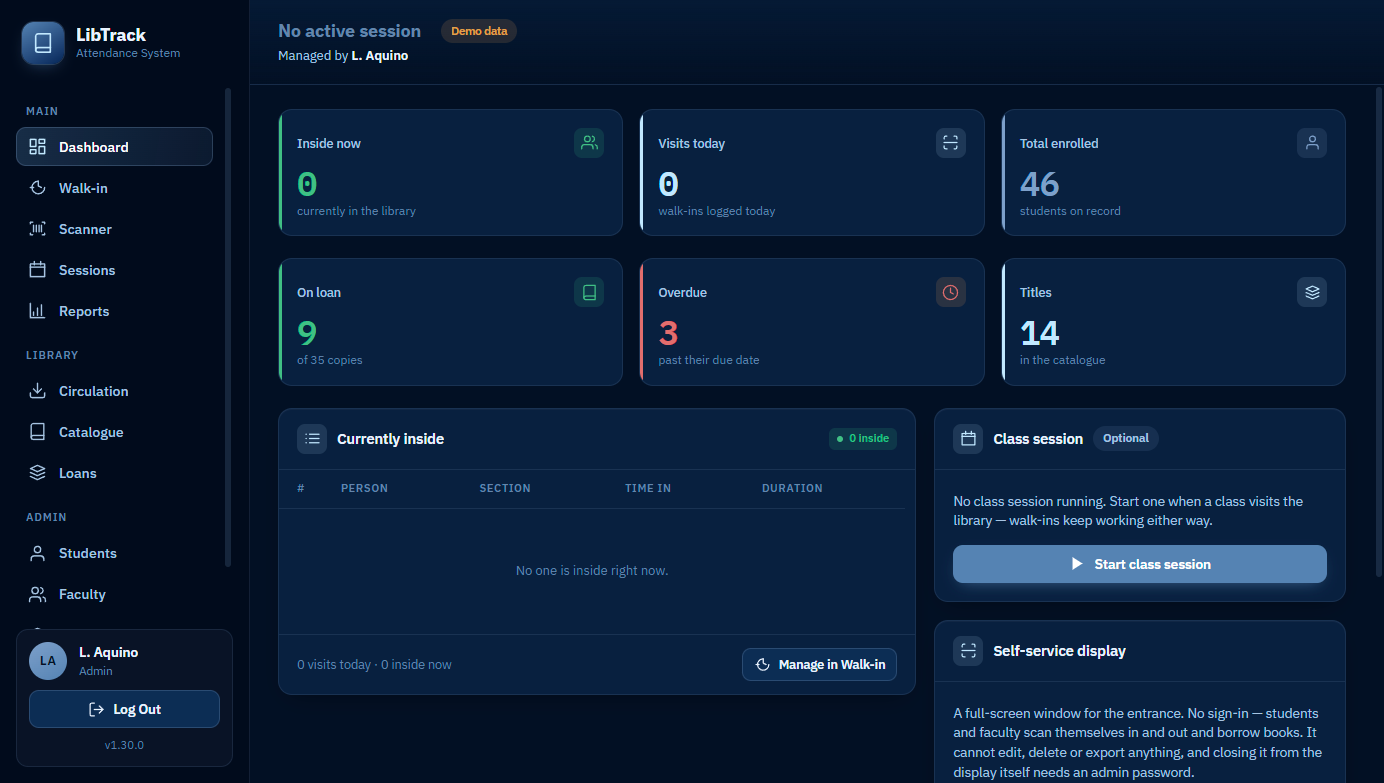
LibTrack takes attendance, lends books and produces the monthly figures — on one PC, with no server, no subscription and no connection required.
Version 1.37.0 · the demo is the real app, running in your browser
What it does
Built for one school library and everything a school library actually does in a day — not a cut-down version of something larger.
Scan them in
Every student carries a CODE_128 barcode. A USB scanner types like a keyboard, so check-in is one beep — no login, no mouse. A webcam works too.
Class sessions, merged classes
Start a session when a class visits. Several sections can share one session, each with its own teacher on duty — and preschool sections can name two.
Walk-ins and visitors
Not every visit is a class. Walk-ins, faculty and outside guests each sign in their own way, and all of them land in the same day log.
Lending, renewals and fines
Each title holds as many physical copies as the shelf does, every copy with its own barcode. Due dates, renewals and overdue fines follow the rules you set.
Reports that match the record
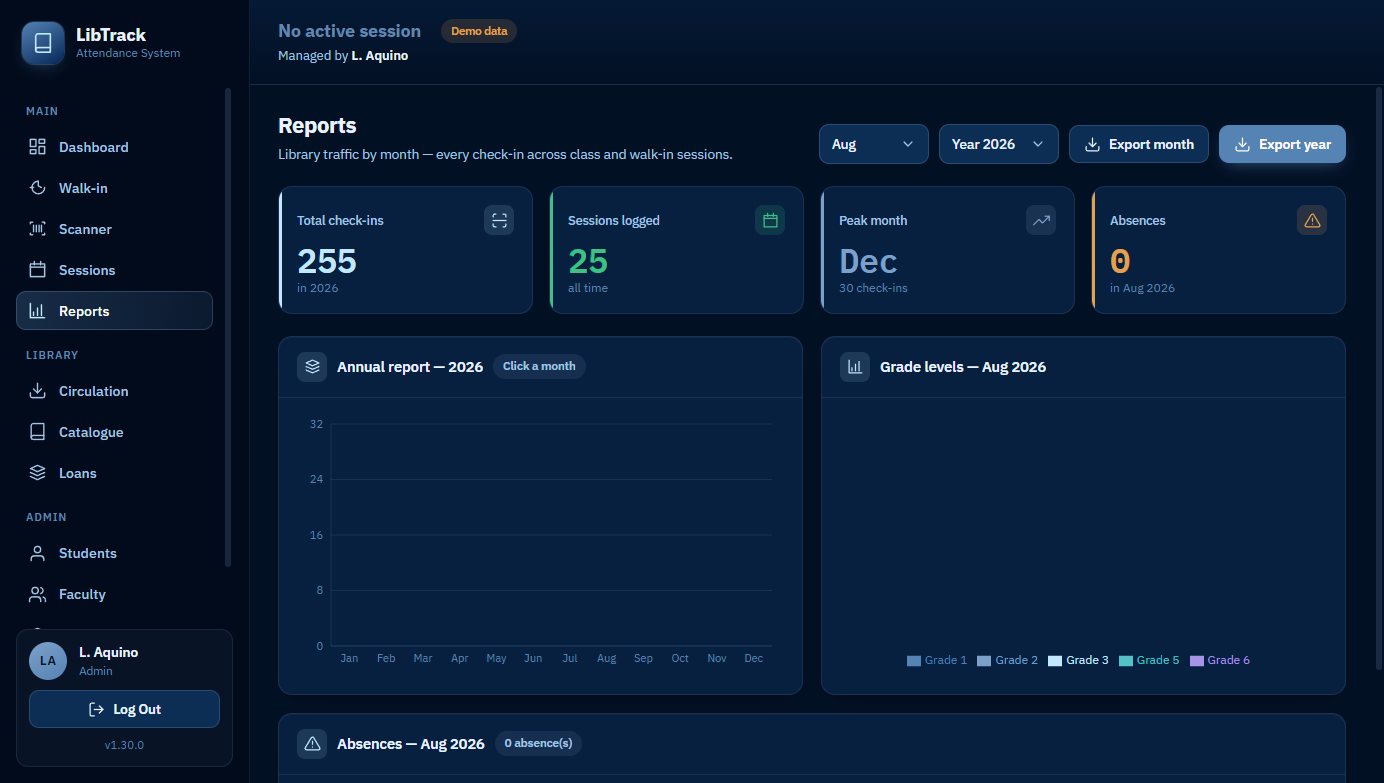
Monthly traffic, per-grade breakdowns, guests, faculty, and an absence report — exported to Excel, counted from the same rows the desk logged.
A self-service display
A full-screen window at the entrance. Students scan themselves in and out. It cannot edit, delete or export anything, and leaving it needs an admin password.
ID cards and shelf labels
Print a sheet of student cards or book spine labels at an exact millimetre size, checked against the barcode width that still scans.
Backs itself up
A snapshot of the whole database at every launch, fourteen kept. Export one anywhere, restore from any of them.
Offline is the design, not a fallback
Everything lives in one SQLite file on the library's PC. There is no account to create and nothing to log into but the app itself.
See it before you install it
The demo is not a video or a set of screenshots. It is LibTrack itself, compiled to run in a browser tab against sample data. Break it, empty it, delete things — refresh and it comes back.